> ## Documentation Index
> Fetch the complete documentation index at: https://docs.speaklouder.ai/llms.txt
> Use this file to discover all available pages before exploring further.
# Welcome to SpeakLouder
> The AI voice agent that calls your leads, qualifies them and follows up.
SpeakLouder is an AI voice agent that calls your leads instead of your team: it talks to them, works out who is genuinely interested, and can send an SMS or an email once the call is over. You see all of it in a simple CRM.
 ## Start here
From an idea to the agent's first call, in six steps.
What happens to a lead, from arrival to the outcome of the call.
Agent, workflow, leads, calls, all inside one campaign.
What you pay for and how to top up.
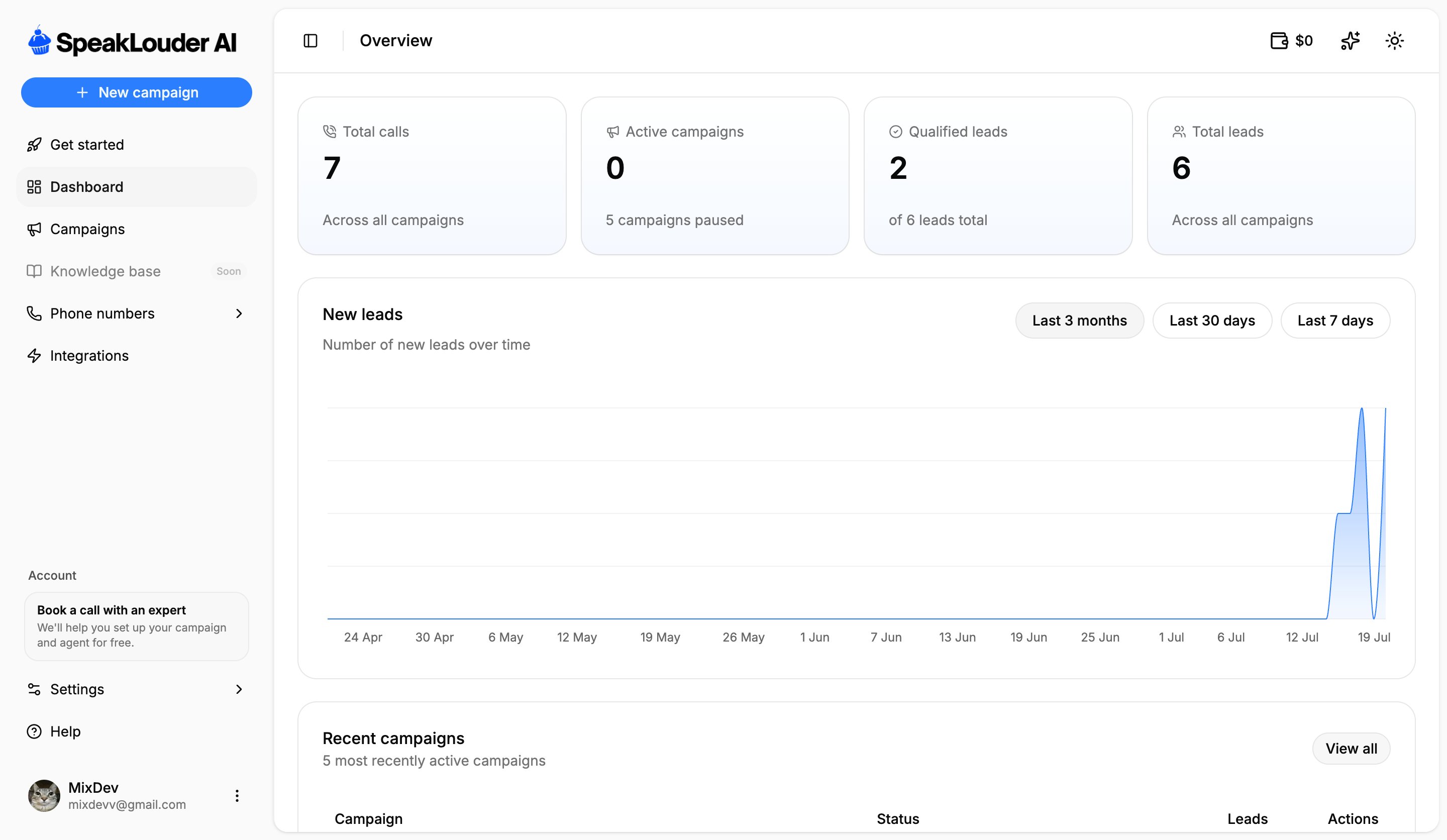
This documentation follows the same order as the menu in the app. If you get stuck on a screen, look for the page named after the tab on the left.
## Start here
From an idea to the agent's first call, in six steps.
What happens to a lead, from arrival to the outcome of the call.
Agent, workflow, leads, calls, all inside one campaign.
What you pay for and how to top up.
This documentation follows the same order as the menu in the app. If you get stuck on a screen, look for the page named after the tab on the left.