> ## Documentation Index
> Fetch the complete documentation index at: https://docs.speaklouder.ai/llms.txt
> Use this file to discover all available pages before exploring further.
# Phone number (in a campaign)
> The number the agent calls from in this campaign.
This tab shows which number the agent uses for this campaign.
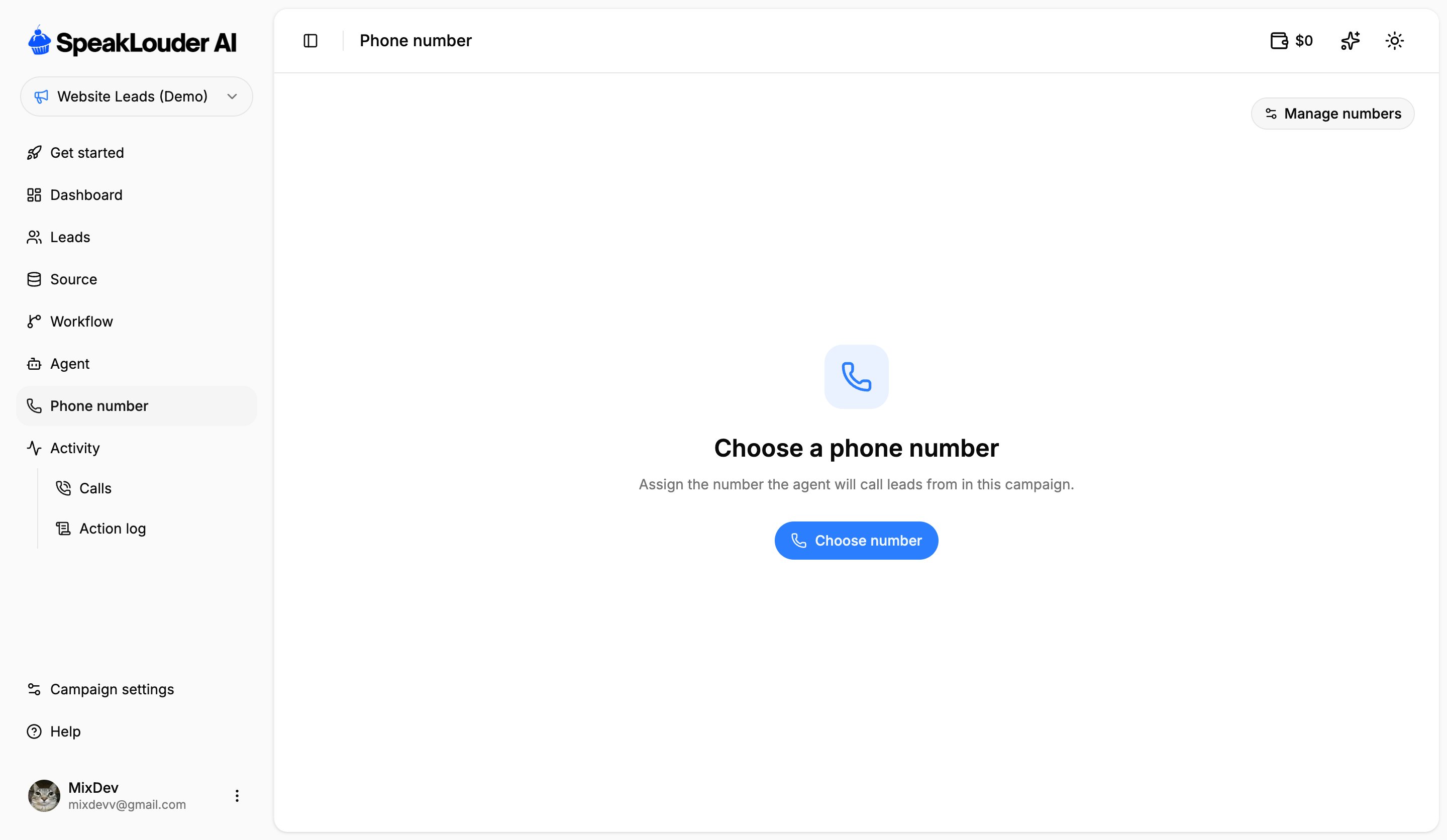 If no number is assigned yet, click **Choose number** and pick one of the numbers on your account. If none are free, buy a new one first, see [Phone numbers](/en/phone-numbers).
Once a number is assigned you get two actions: **Change number** (pick a different one from your pool) and **Disconnect** (the campaign is left without a number and stops calling). **Manage numbers** takes you to the shared list of all your numbers.
A number belongs to the **account**, not to a campaign. You can disconnect and reassign it at any time, but it can only serve one campaign at a time.
If no number is assigned yet, click **Choose number** and pick one of the numbers on your account. If none are free, buy a new one first, see [Phone numbers](/en/phone-numbers).
Once a number is assigned you get two actions: **Change number** (pick a different one from your pool) and **Disconnect** (the campaign is left without a number and stops calling). **Manage numbers** takes you to the shared list of all your numbers.
A number belongs to the **account**, not to a campaign. You can disconnect and reassign it at any time, but it can only serve one campaign at a time.