
Account
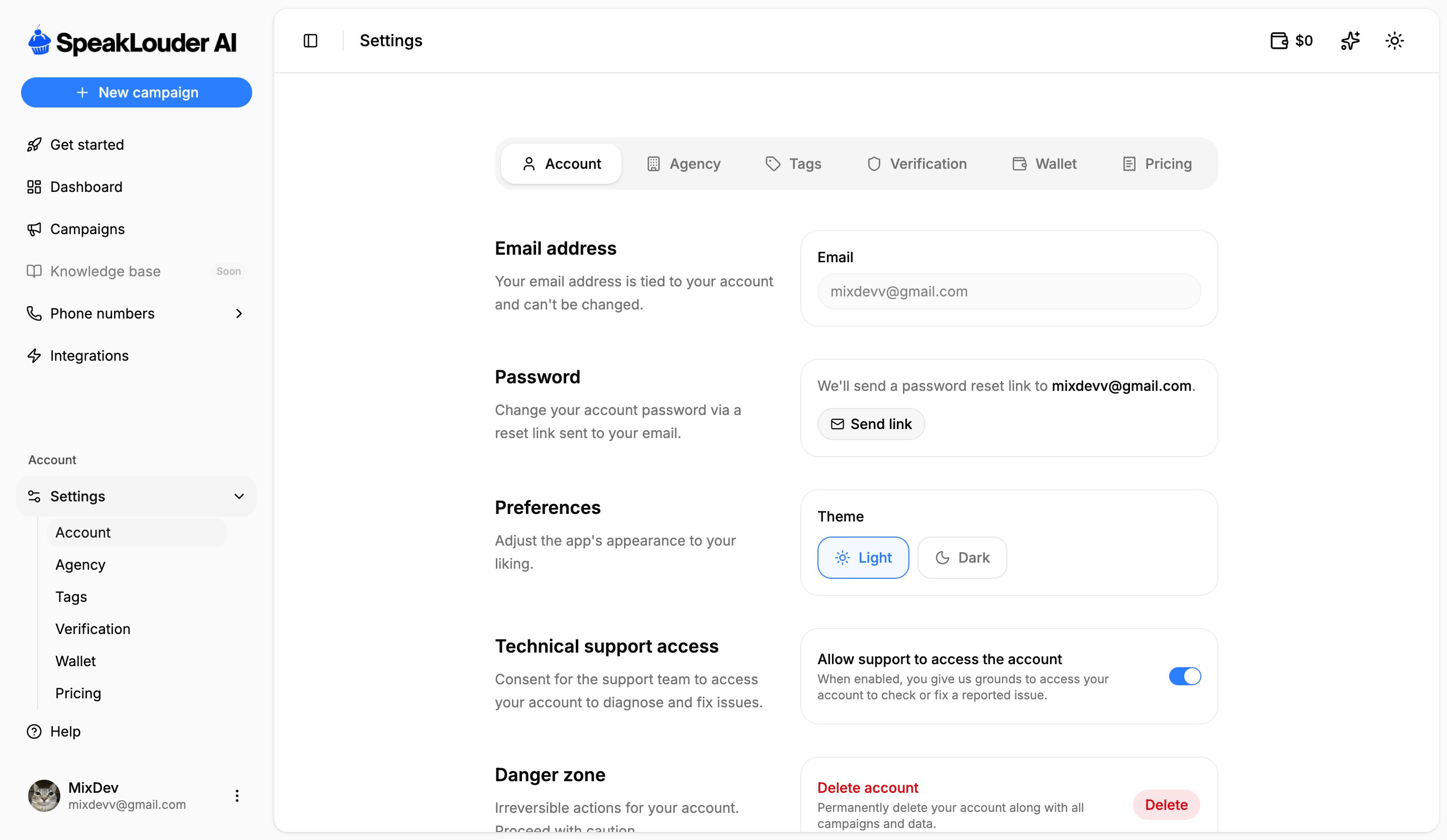
- Email address: tied to the account and can’t be changed.
- Password: click Send link and a reset link goes to your email.
- Preferences: light or dark theme.
- Technical support access: lets our support team into your account to diagnose and fix a reported issue.
- Danger zone: Delete account permanently removes your account along with every campaign and all its data.
Agency
Shows whether the account belongs to an agency (white-label). Companies running clients on SpeakLouder can ask the team for an agency account.Tags
Your own labels for organising leads in the CRM (e.g. “Hot lead”, “VIP”), give one a name and a colour, then apply it on the lead card.Verification
Before you can call real leads, we have to verify your company. Telecom operators require it, it’s what keeps the numbers you call from being flagged as spam.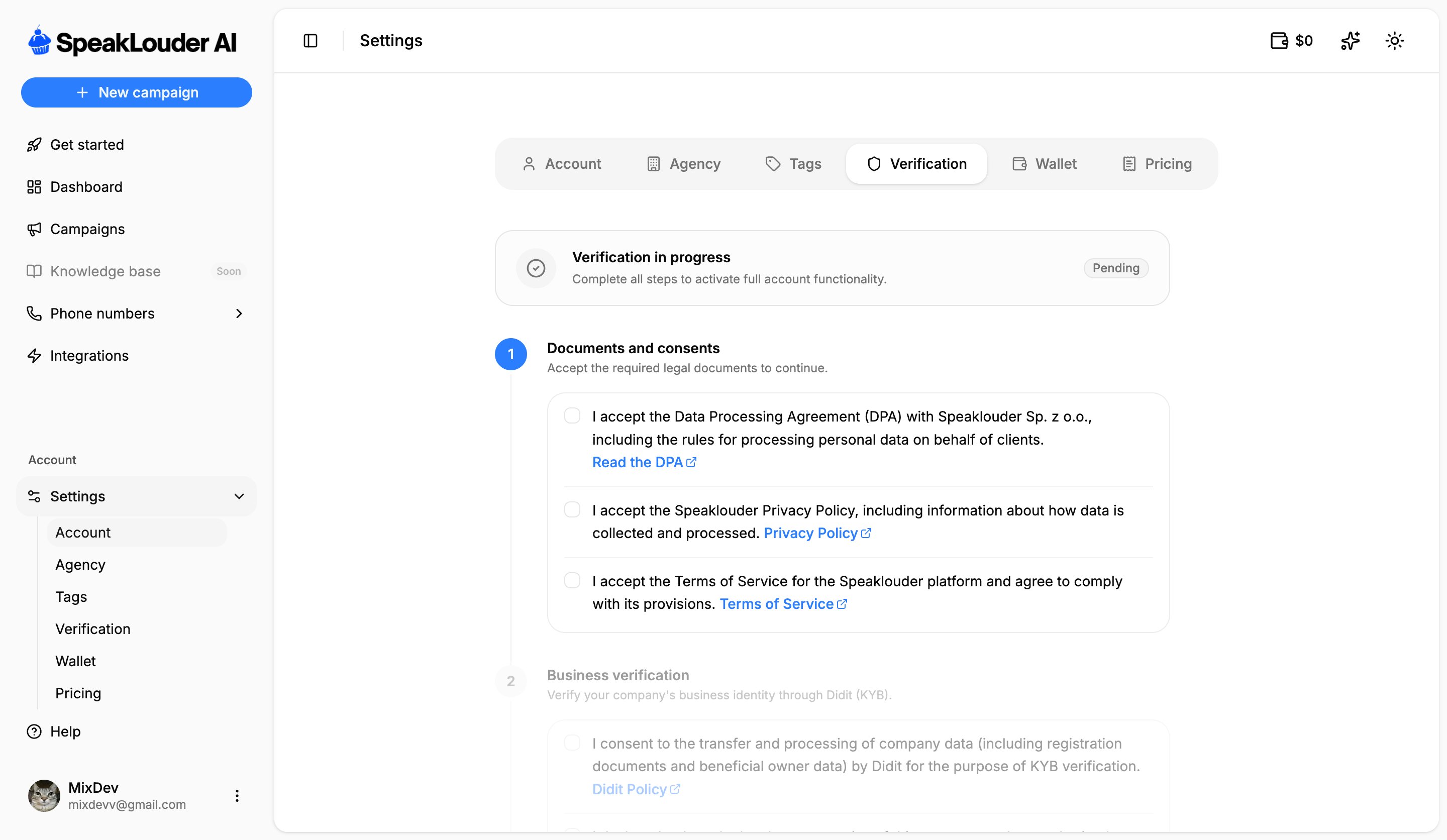
- Documents and consents: accept the Data Processing Agreement (DPA), the Privacy Policy and the Terms of Service.
- Business verification: confirm your company’s identity through Didit (KYB), which needs your consent to pass company registration and beneficial-owner data to Didit.
You can test right away, without verification. The browser test call (Test agent) and configuring an entire campaign both work without it.Verification is only needed to buy a phone number and to start calling real leads, see Phone numbers.