
1. Click “New campaign”
The blue button sits at the top of the left-hand menu, on every page.2. Choose where the leads will come from
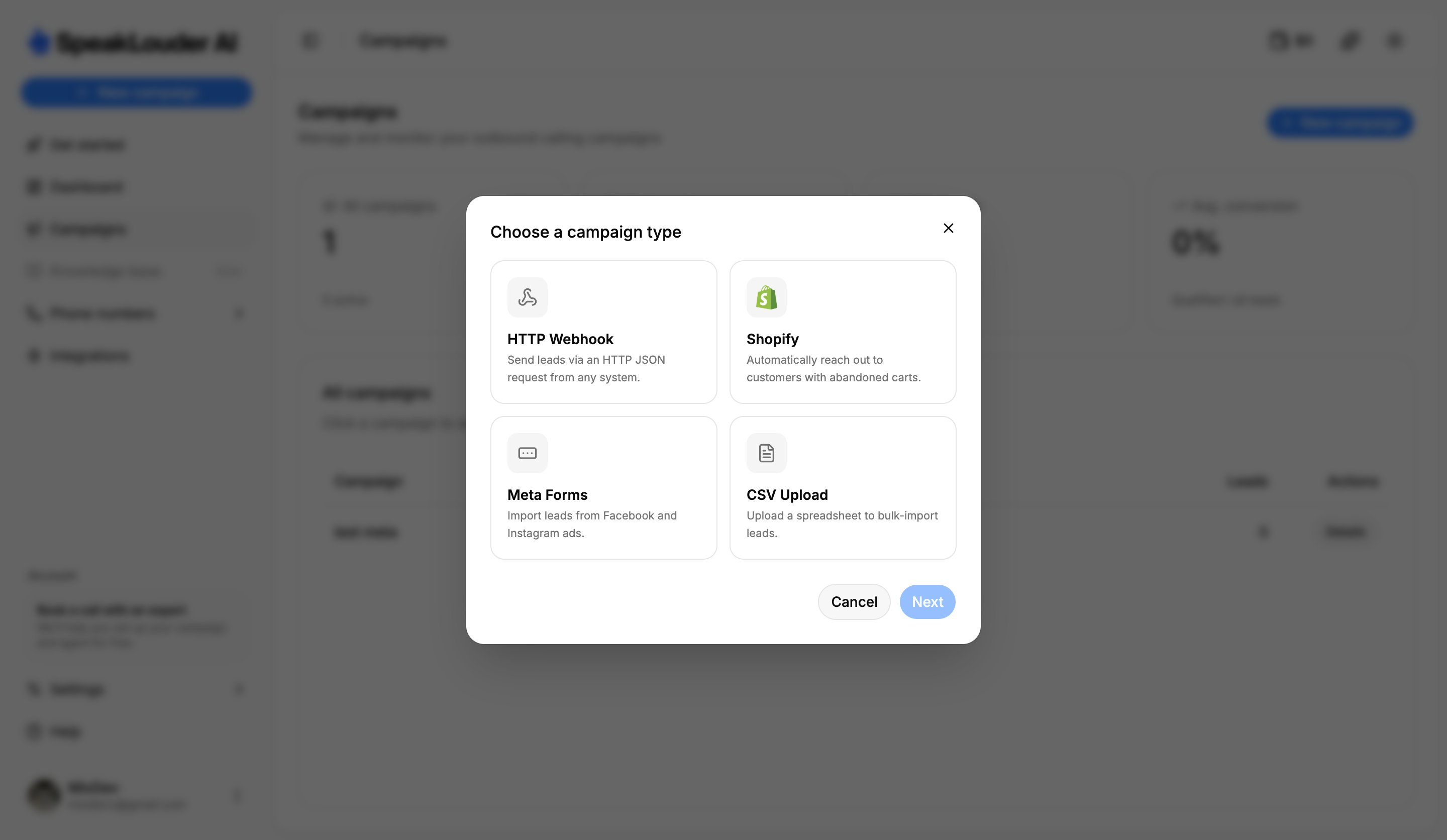
Pick a type and click Next. Details for each one: Source.
3. Name the campaign
Give it a name you’ll recognise (a product, a month) and click Create campaign.4. Work through “Get started”
You land on a checklist that walks you through the rest:- Set up the agent: language, voice and conversation style → Agent
- Set up the workflow: when to call and what to do afterwards → Workflow
- Test the agent: talk to it in your browser, free of charge
- Connect a lead source → Source
- Assign a phone number → Phone number
- Launch the campaign: only now does the agent start calling
The order is up to you, and the agent does not call until you click Launch campaign yourself. Take your time setting everything up and testing it.