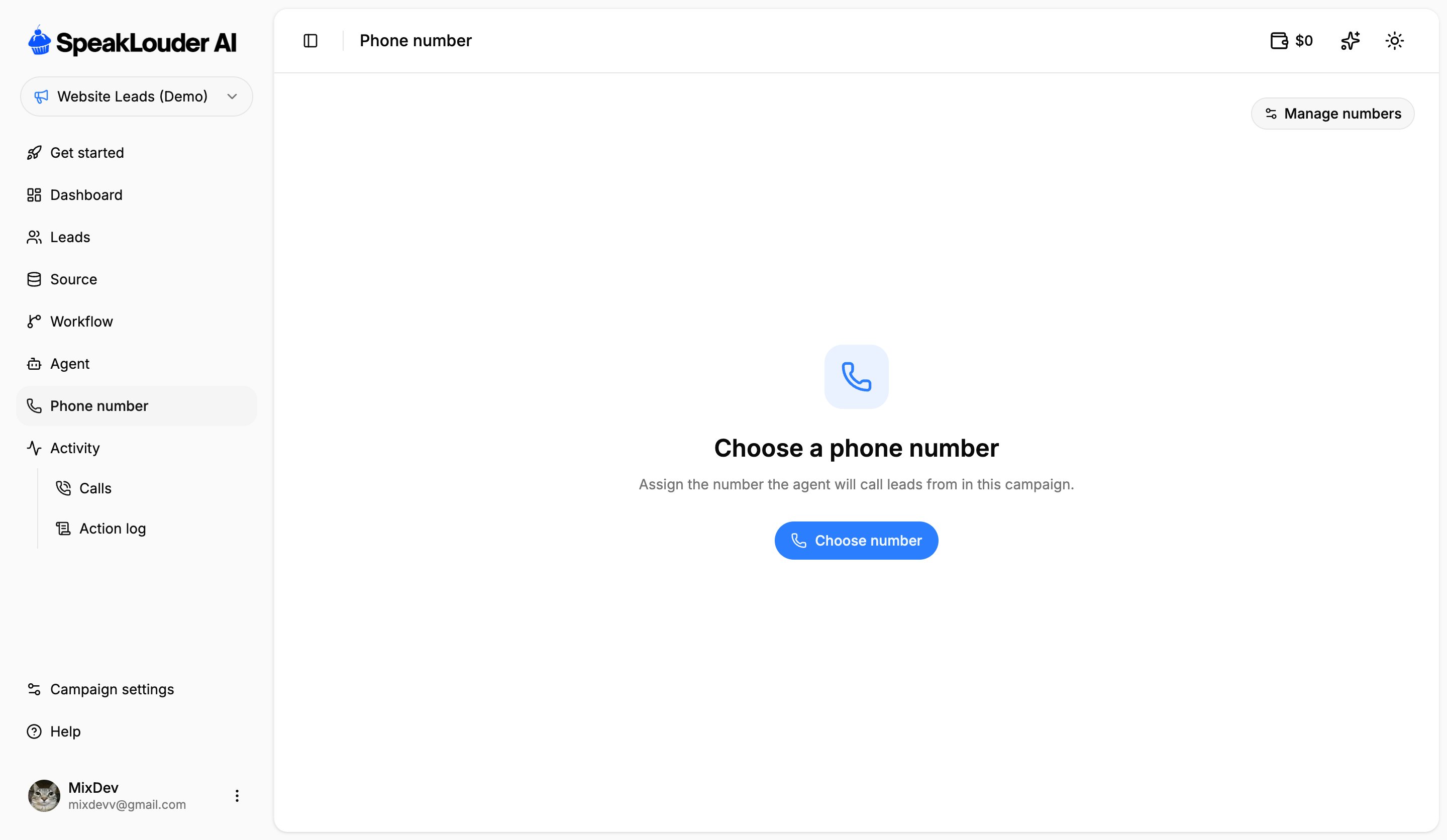
This tab shows which number the agent uses for this campaign.If no number is assigned yet, click Choose number and pick one of the numbers on your account. If none are free, buy a new one first, see Phone numbers.Once a number is assigned you get two actions: Change number (pick a different one from your pool) and Disconnect (the campaign is left without a number and stops calling). Manage numbers takes you to the shared list of all your numbers.
A number belongs to the account, not to a campaign. You can disconnect and reassign it at any time, but it can only serve one campaign at a time.
Was this page helpful?
Assistant
Responses are generated using AI and may contain mistakes.