
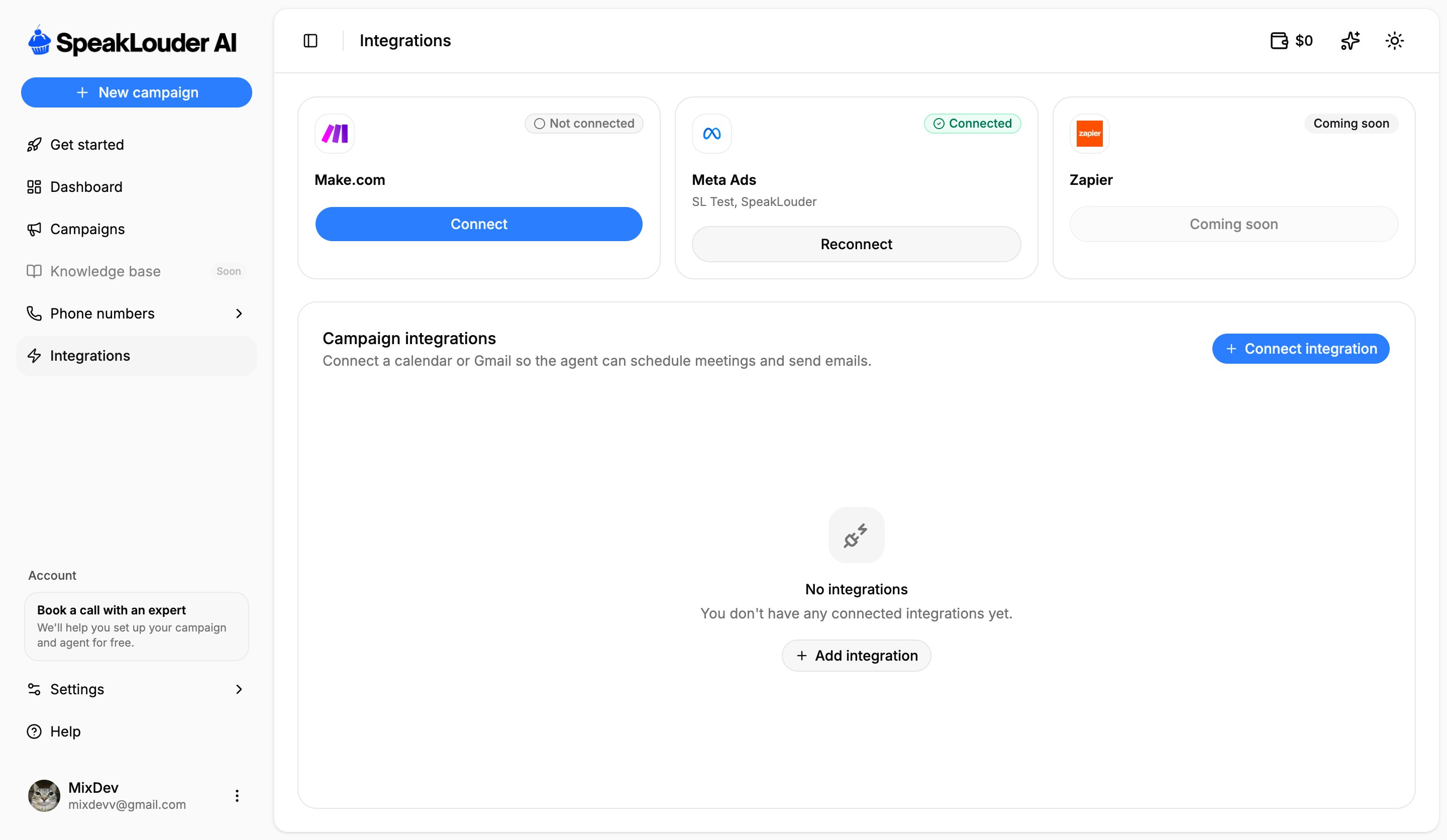
Account integrations
- Make.com: click Connect to build your own automations between SpeakLouder and hundreds of other tools (for example pushing leads in through a webhook).
- Meta Ads: connect your Facebook Pages so campaigns can pull leads from lead-form ads. Once connected, the card lists the connected Pages; you then choose the specific forms per campaign in Source. One connection is shared by every Meta campaign on the account.
- Zapier, coming soon.
If the Meta card says Reconnect, the Facebook token has expired. Leads stop coming in until you reconnect, worth checking if a Meta campaign suddenly goes quiet.
Campaign integrations
This is where you connect a calendar or Gmail, so the agent can:- book meetings during a call (with a calendar such as Cal.com connected),
- send follow-up emails from your own address (with Gmail connected as the outgoing mailbox).